


- Getting Started
- Hardware
- Bricks
- Bricklets
- Master Extensions
- Power Supplies
- Discontinued Products
- Bricks
- Bricklets
- Accelerometer Bricklet
- Ambient Light Bricklet
- Ambient Light Bricklet 2.0
- Analog In Bricklet
- Analog In Bricklet 2.0
- Analog Out Bricklet
- Analog Out Bricklet 2.0
- CO2 Bricklet
- Current12 Bricklet
- Current25 Bricklet
- Distance US Bricklet
- Dual Button Bricklet
- Dual Relay Bricklet
- GPS Bricklet
- Humidity Bricklet
- Industrial Analog Out Bricklet
- Industrial Digital In 4 Bricklet
- Industrial Dual Analog In Bricklet
- Industrial Quad Relay Bricklet
- IO-4 Bricklet
- Laser Range Finder Bricklet
- LCD 16x2 Bricklet
- LED Strip Bricklet
- Load Cell Bricklet
- Moisture Bricklet
- Motion Detector Bricklet
- NFC/RFID Bricklet
- OLED 128x64 Bricklet
- Piezo Buzzer Bricklet
- PTC Bricklet
- PTC Bricklet 2.0
- Remote Switch Bricklet
- RGB LED Bricklet
- RGB LED Matrix Bricklet
- Rotary Encoder Bricklet
- Solid State Relay Bricklet
- Temperature IR Bricklet
- Thermocouple Bricklet
- UV Light Bricklet
- Voltage Bricklet
- Voltage/Current Bricklet
- Master Extensions
- Timeline
- Software
- Kits
- Embedded Boards
- Specifications
Laser Range Finder Bricklet
Note
The Laser Range Finder Bricklet is discontinued and is no longer sold. The Laser Range Finder Bricklet 2.0 is the recommended replacement.
Features
Measures distance and velocity with laser pulses
Distance range 0-40m, resolution 1cm
Measurement frequency up to 500Hz
Description
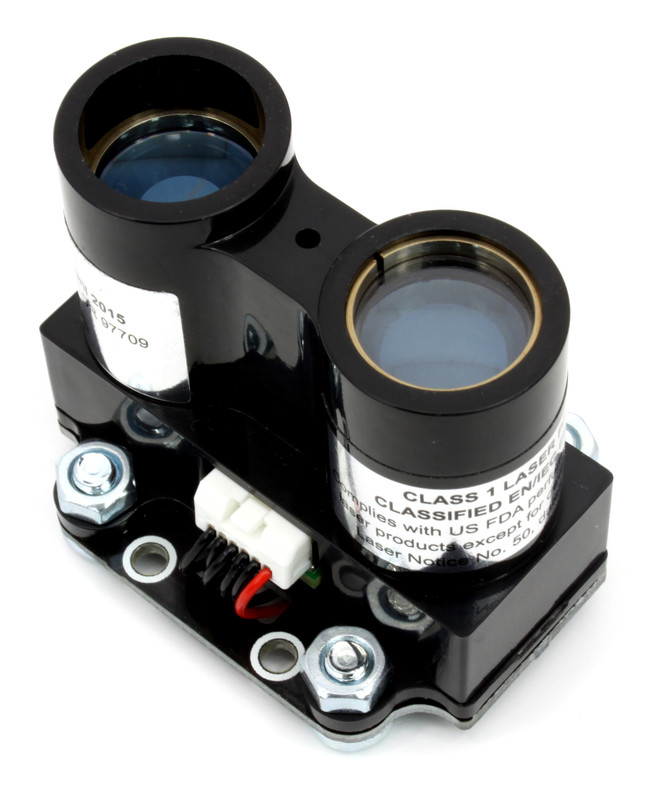
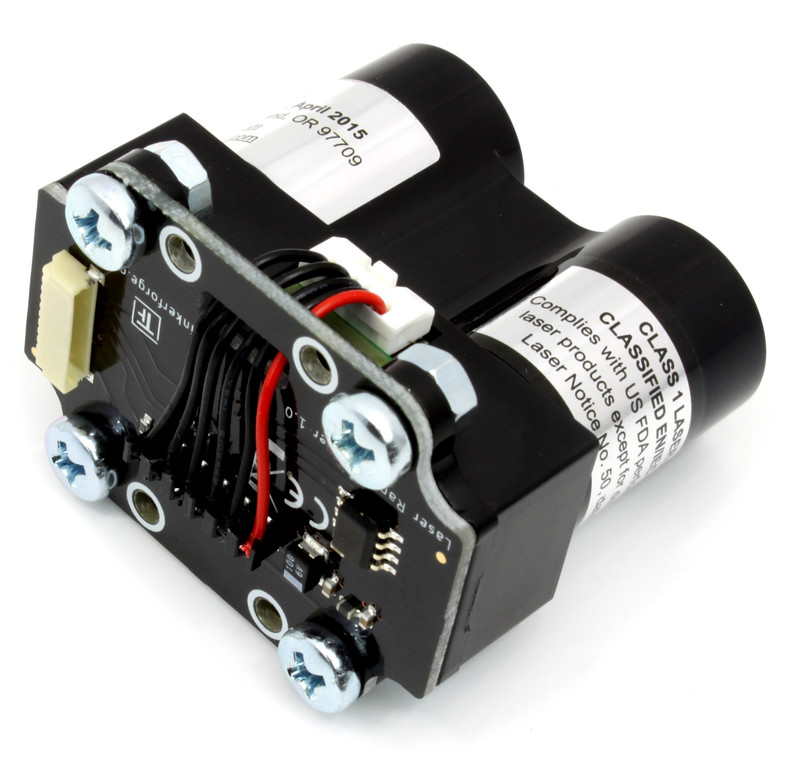
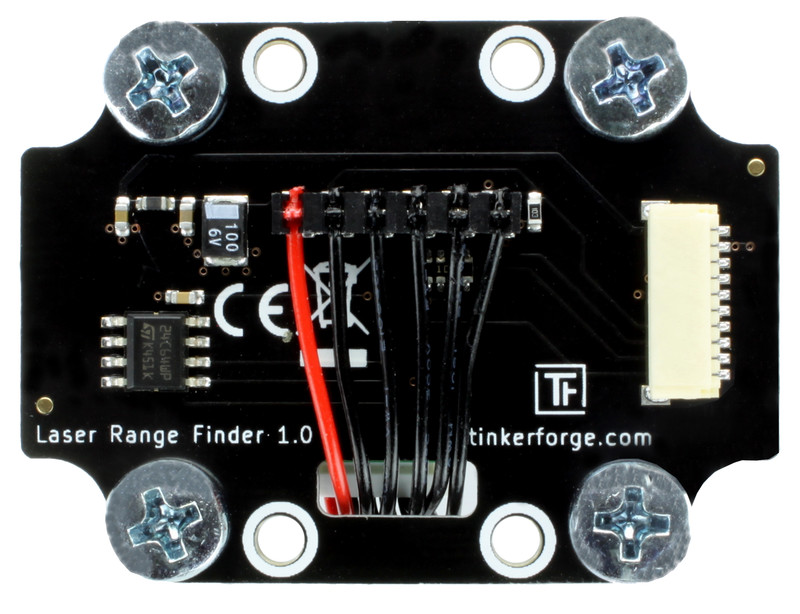
The Laser Range Finder Bricklet can be used to extend the features of Bricks by the capability to measure distances and velocity. The distance is measured with the help of a laser pulse and the time-of-flight principle.
Technical Specifications
Property |
Value |
|---|---|
Sensor |
LIDAR-Lite (V3) |
Current Consumption |
450mW (90mA at 5V, Laser off)
520mW (104mA at 5V, Laser on)
|
Distance (Range, Resolution) |
0-40m, 1cm |
Sample Rate |
up to 500Hz (depends on measured range) |
Dimensions (W x D x H) |
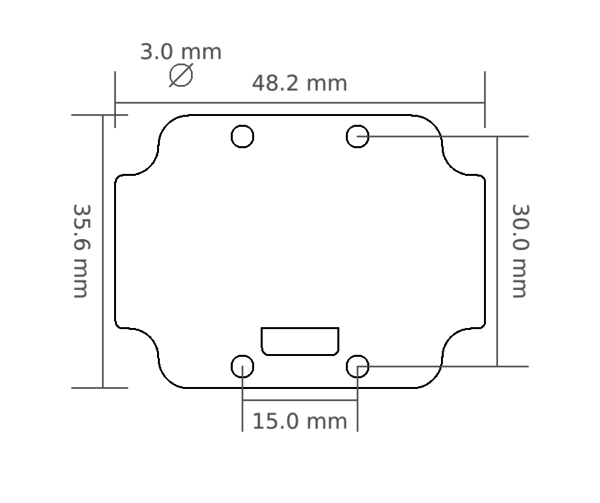
49 x 45 x 36mm (1.93 x 1.77 x 1.42") |
Weight |
39g |
Resources
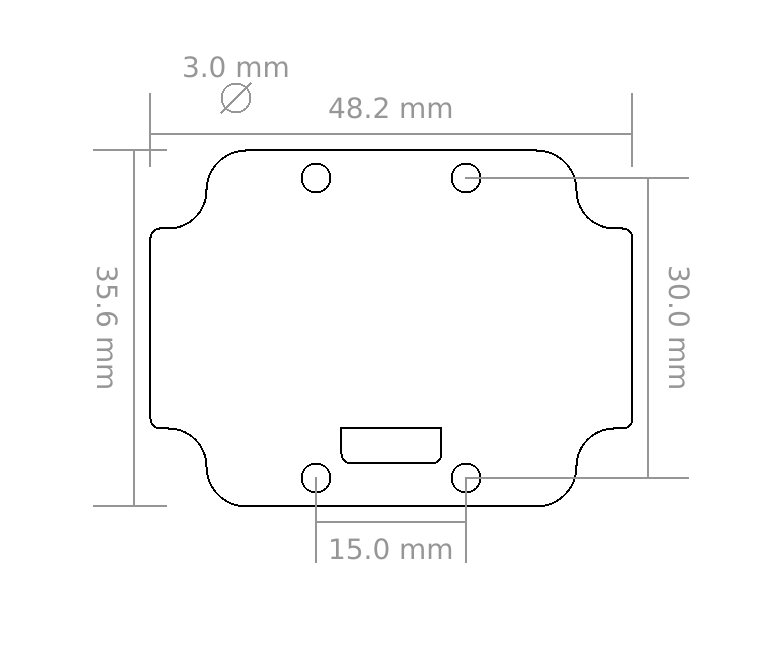
Test your Laser Range Finder Bricklet
To test a Laser Range Finder Bricklet you need to have Brick Daemon and Brick Viewer installed. Brick Daemon acts as a proxy between the USB interface of the Bricks and the API bindings. Brick Viewer connects to Brick Daemon. It helps to figure out basic information about the connected Bricks and Bricklets and allows to test them.
Connect the Laser Range Finder Bricklet to a Brick with a Bricklet Cable.
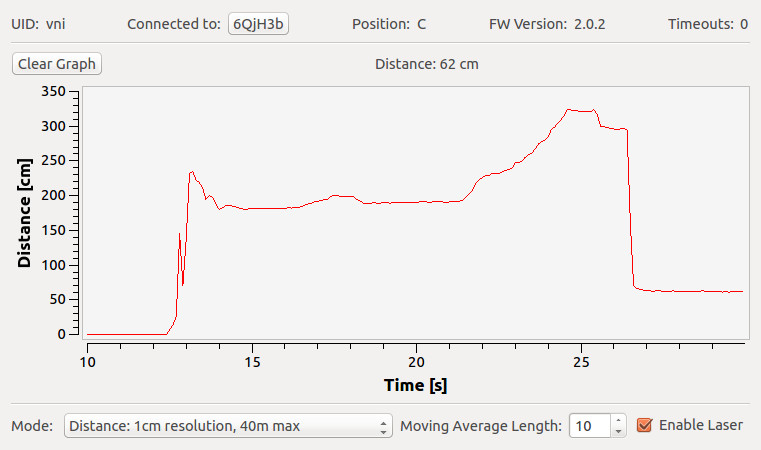
If you connect the Brick to the PC over USB, you should see a new tab named "Laser Range Finder Bricklet" in the Brick Viewer after a moment. Select this tab. Click the "Enable Laser" checkbox to enable the laser. If everything went as expected you can now see the measured distance of the sensor and a graph that shows the distance over time. In the image below we slowly moved a hand away from the sensor and to the sensor again.
After this test you can go on with writing your own application. See the Programming Interface section for the API of the Laser Range Finder Bricklet and examples in different programming languages.
Programming Interface
See Programming Interface for a detailed description.
Language |
API |
Examples |
Installation |
|---|---|---|---|
C/C++ |
|||
C# |
|||
Delphi/Lazarus |
|||
Go |
|||
Java |
|||
JavaScript |
|||
LabVIEW |
|||
Mathematica |
|||
MATLAB/Octave |
|||
MQTT |
|||
openHAB |
|||
Perl |
|||
PHP |
|||
Python |
|||
Ruby |
|||
Rust |
|||
Shell |
|||
Visual Basic .NET |
|||
TCP/IP |
|||
Modbus |