


- Getting Started
- Hardware
- Bricks
- Bricklets
- Master Extensions
- Power Supplies
- Discontinued Products
- Bricks
- Bricklets
- Accelerometer Bricklet
- Ambient Light Bricklet
- Ambient Light Bricklet 2.0
- Analog In Bricklet
- Analog In Bricklet 2.0
- Analog Out Bricklet
- Analog Out Bricklet 2.0
- CO2 Bricklet
- Current12 Bricklet
- Current25 Bricklet
- Distance US Bricklet
- Dual Button Bricklet
- Dual Relay Bricklet
- GPS Bricklet
- Humidity Bricklet
- Industrial Analog Out Bricklet
- Industrial Digital In 4 Bricklet
- Industrial Dual Analog In Bricklet
- Industrial Quad Relay Bricklet
- IO-4 Bricklet
- Laser Range Finder Bricklet
- LCD 16x2 Bricklet
- LED Strip Bricklet
- Load Cell Bricklet
- Moisture Bricklet
- Motion Detector Bricklet
- NFC/RFID Bricklet
- OLED 128x64 Bricklet
- Piezo Buzzer Bricklet
- PTC Bricklet
- PTC Bricklet 2.0
- Remote Switch Bricklet
- RGB LED Bricklet
- RGB LED Matrix Bricklet
- Rotary Encoder Bricklet
- Solid State Relay Bricklet
- Temperature IR Bricklet
- Thermocouple Bricklet
- UV Light Bricklet
- Voltage Bricklet
- Voltage/Current Bricklet
- Master Extensions
- Timeline
- Software
- Kits
- Embedded Boards
- Specifications
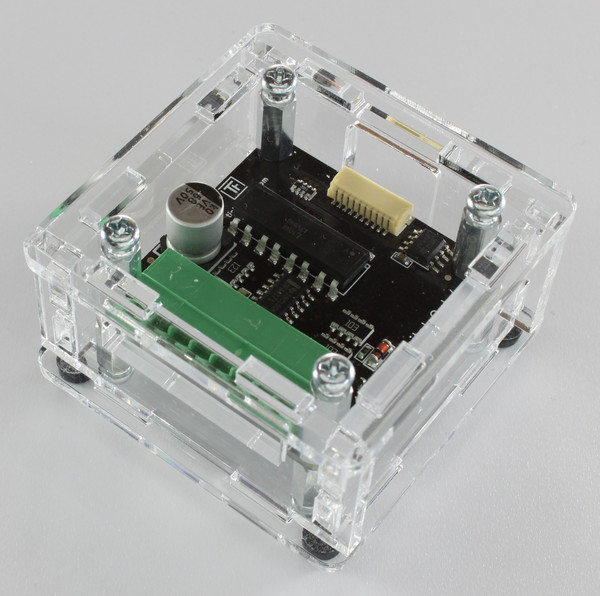
Industrial Quad Relay Bricklet
Note
The Industrial Quad Relay Bricklet is discontinued and is no longer sold. The Industrial Quad Relay Bricklet 2.0 is the recommended replacement.
Features
4 Channel Solid State Relay
Switch up to 30V with 1.2A
Galvanically isolated
Groupable
Description
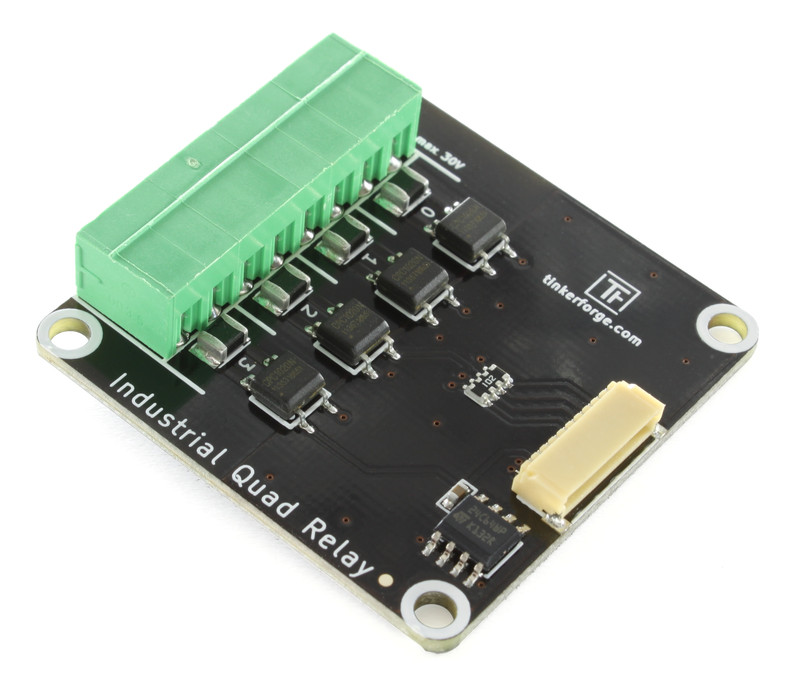
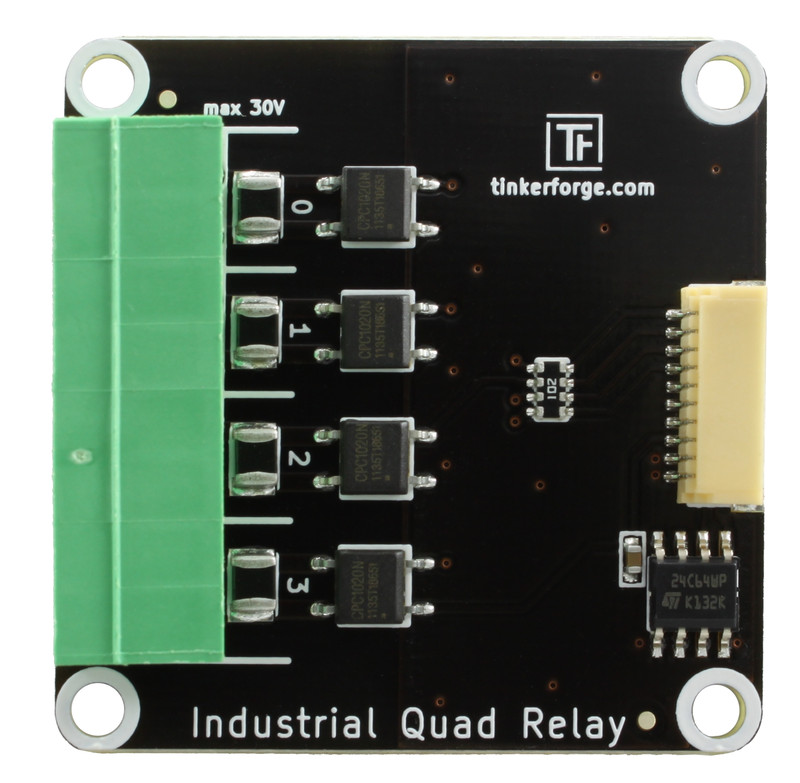
The Industrial Quad Relay Bricklet can be used to extend Bricks by four galvanically isolated solid state relays. Each channel can switch currents of up to 1.2 Ampere with 30 Volt. Output isolation permits the usage without a direct electric connection, such that ground loops can be prevented and an additional degree of safety is added.
Typical applications are the interfacing of industrial control, such as PLC's or frequency converters, or the usage in environments were electrical ground levels can not be connected.
If you need more then four relays, you can add another Industrial Quad Relay Bricklet and group these together. If you do this, you have eight relays which can set simultaneously in contrast to set both Bricklets successively. Grouping is only possible for Bricklets connected to one Brick. Thus you can group up to four Industrial Bricklets on a Master Brick or two on other Bricks.
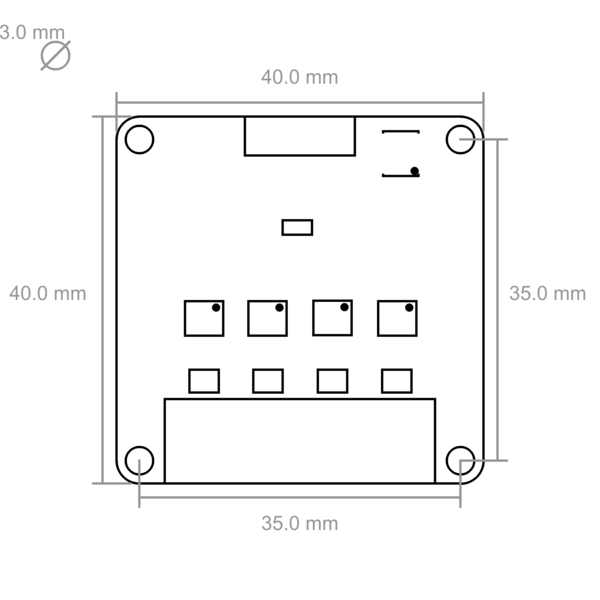
Technical Specifications
Property |
Value |
|---|---|
Solid State Relay |
CPC1020N |
Current Consumption |
2mA (per Relay) |
Output Type |
Four galvanically isolated solid state relays |
Maximum Switching Current |
1.2A |
Maximum Switching Voltage |
30V |
Isolation |
1500Vrms (datasheet value) |
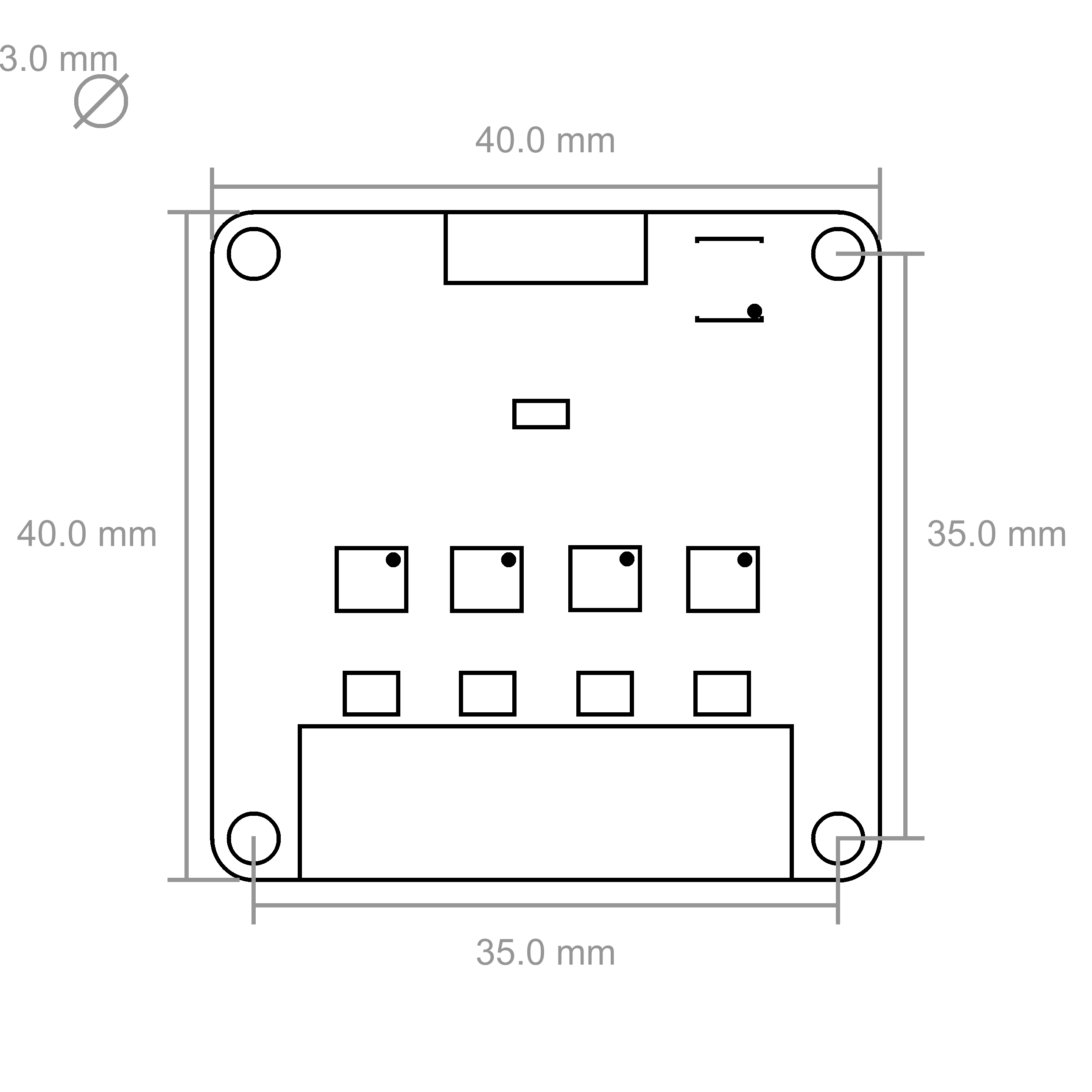
Dimensions (W x D x H) |
40 x 40 x 11mm (1.57 x 1.57 x 0.43") |
Weight |
8g |
Resources
Connectivity
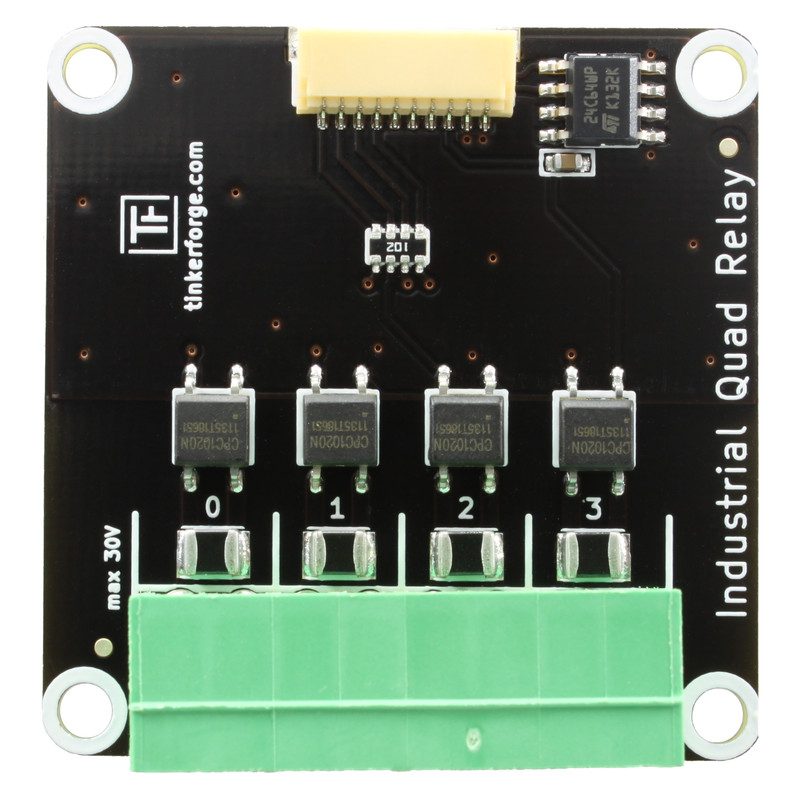
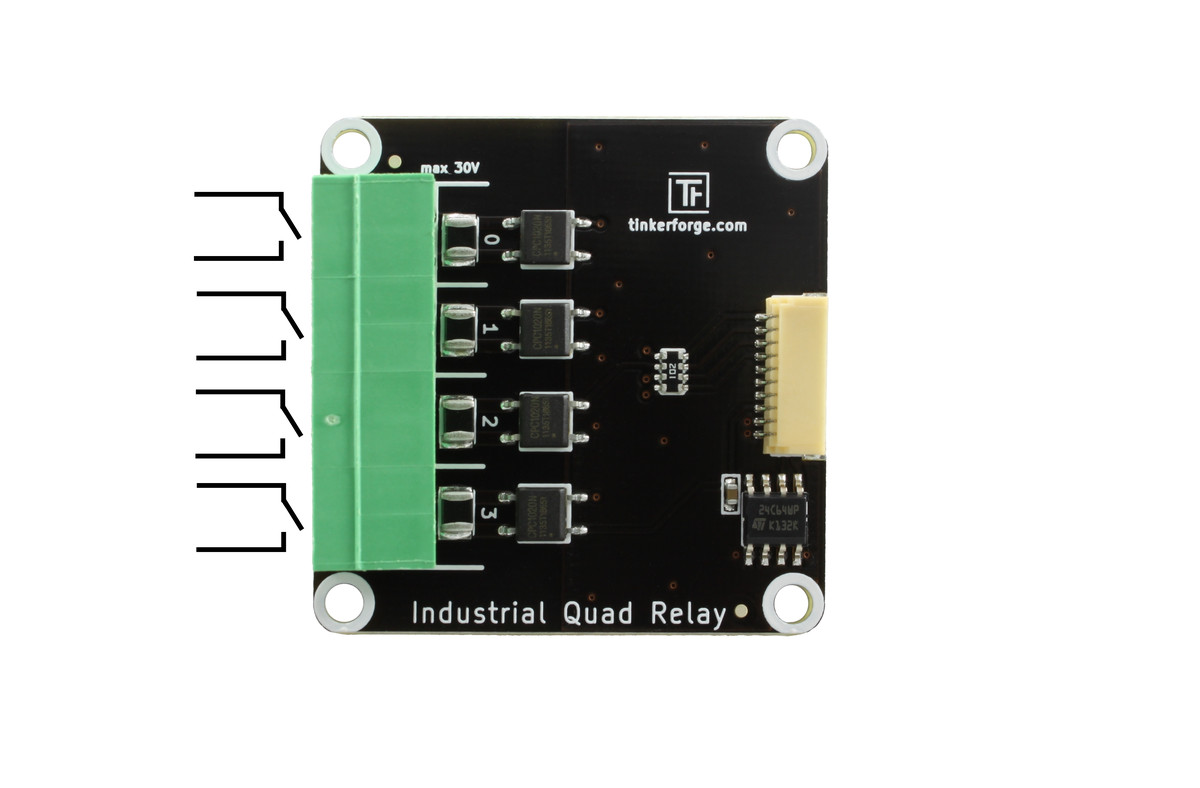
The Industrial Quad Relay Bricklet has an 8 pole terminal. Please see the picture below for the pinout.
Test your Industrial Quad Relay Bricklet
To test a Industrial Quad Relay Bricklet you need to have Brick Daemon and Brick Viewer installed. Brick Daemon acts as a proxy between the USB interface of the Bricks and the API bindings. Brick Viewer connects to Brick Daemon. It helps to figure out basic information about the connected Bricks and Bricklets and allows to test them.
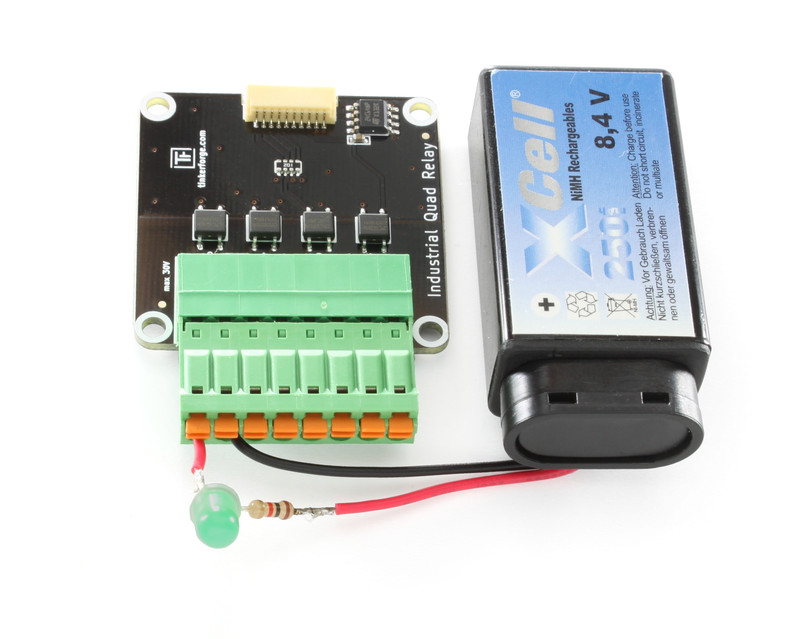
Connect the Industrial Quad Relay Bricklet to a Brick with a Bricklet Cable. For a simple test we will connect a battery and a LED to test the Bricklet (see picture below).
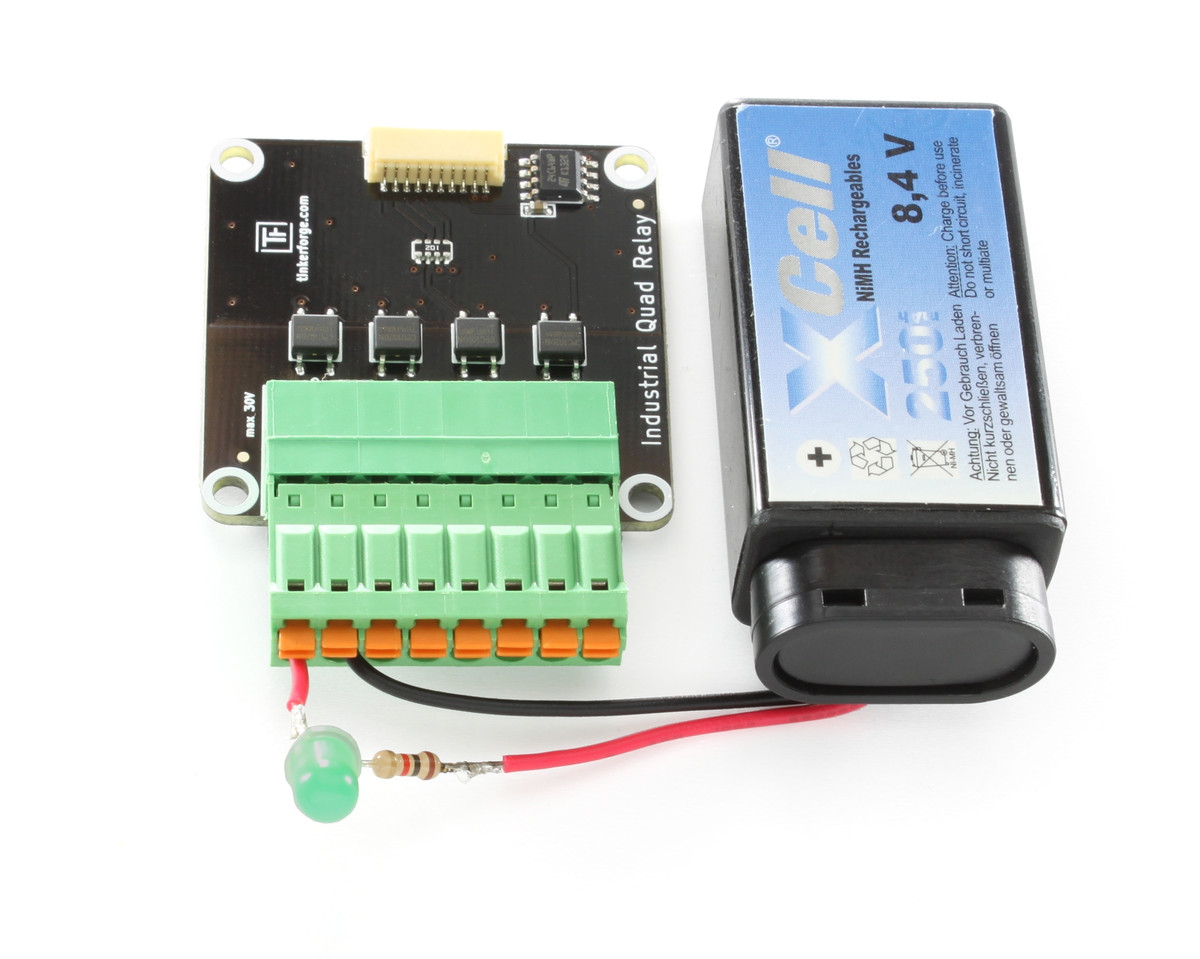
If you connect the Brick to the PC over USB, you should see a new tab named "Industrial Quad Relay Bricklet" in the Brick Viewer after a moment. Select this tab.
If everything went as expected you can switch the LED by changing the output state with the Brick Viewer.
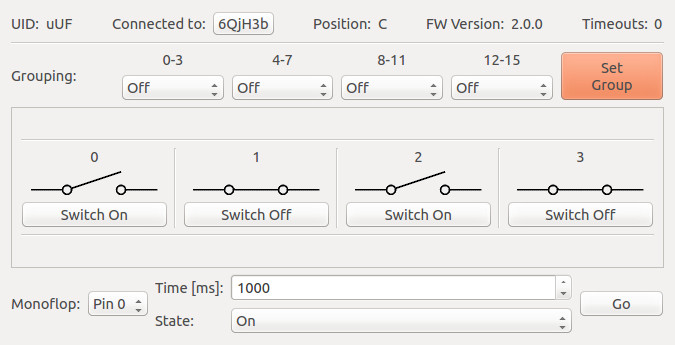
After this test you can go on with writing your own application. See the Programming Interface section for the API of the Industrial Quad Relay Bricklet and examples in different programming languages.
Case
A laser-cut case for the Industrial Quad Relay Bricklet is available.
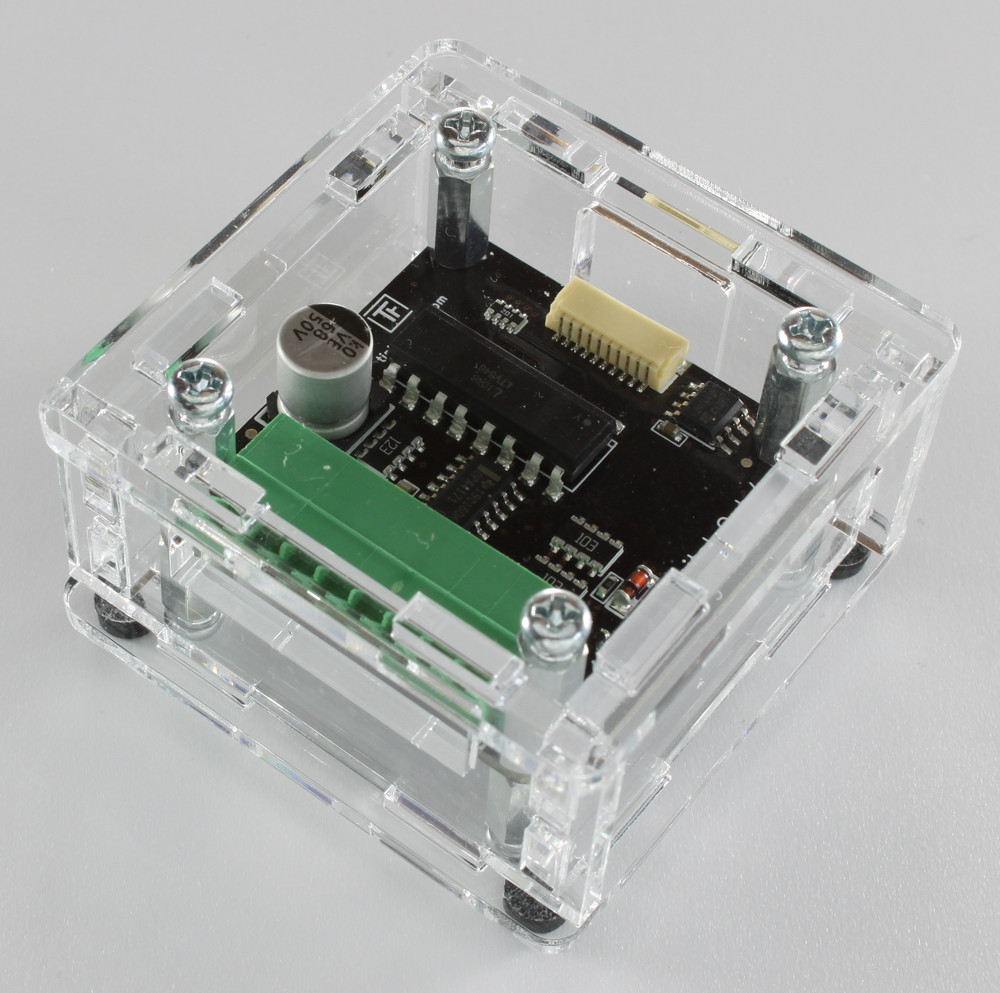
The assembly is easiest if you follow the following steps:
Screw spacers to the Bricklet,
screw bottom plate to bottom spacers,
build up side plates,
plug side plates into bottom plate and
screw top plate to top spacers.
Below you can see an exploded assembly drawing of the Industrial Quad Relay Bricklet case:
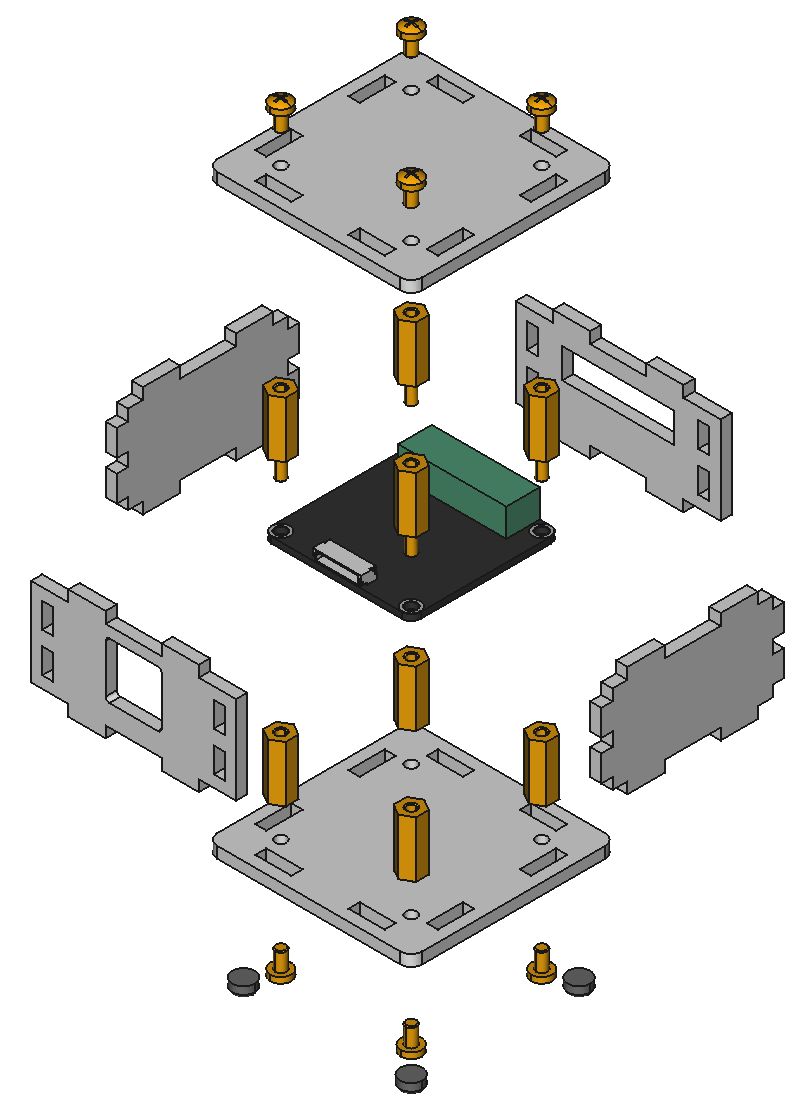
Hint: There is a protective film on both sides of the plates, you have to remove it before assembly.
Programming Interface
See Programming Interface for a detailed description.
Language |
API |
Examples |
Installation |
|---|---|---|---|
C/C++ |
|||
C# |
|||
Delphi/Lazarus |
|||
Go |
|||
Java |
|||
JavaScript |
|||
LabVIEW |
|||
Mathematica |
|||
MATLAB/Octave |
|||
MQTT |
|||
openHAB |
|||
Perl |
|||
PHP |
|||
Python |
|||
Ruby |
|||
Rust |
|||
Shell |
|||
Visual Basic .NET |
|||
TCP/IP |
|||
Modbus |