


- Getting Started
- Hardware
- Bricks
- Bricklets
- Master Extensions
- Power Supplies
- Discontinued Products
- Bricks
- Bricklets
- Accelerometer Bricklet
- Ambient Light Bricklet
- Ambient Light Bricklet 2.0
- Analog In Bricklet
- Analog In Bricklet 2.0
- Analog Out Bricklet
- Analog Out Bricklet 2.0
- CO2 Bricklet
- Current12 Bricklet
- Current25 Bricklet
- Distance US Bricklet
- Dual Button Bricklet
- Dual Relay Bricklet
- GPS Bricklet
- Humidity Bricklet
- Industrial Analog Out Bricklet
- Industrial Digital In 4 Bricklet
- Industrial Dual Analog In Bricklet
- Industrial Quad Relay Bricklet
- IO-4 Bricklet
- Laser Range Finder Bricklet
- LCD 16x2 Bricklet
- LED Strip Bricklet
- Load Cell Bricklet
- Moisture Bricklet
- Motion Detector Bricklet
- NFC/RFID Bricklet
- OLED 128x64 Bricklet
- Piezo Buzzer Bricklet
- PTC Bricklet
- PTC Bricklet 2.0
- Remote Switch Bricklet
- RGB LED Bricklet
- RGB LED Matrix Bricklet
- Rotary Encoder Bricklet
- Solid State Relay Bricklet
- Temperature IR Bricklet
- Thermocouple Bricklet
- UV Light Bricklet
- Voltage Bricklet
- Voltage/Current Bricklet
- Master Extensions
- Timeline
- Software
- Kits
- Embedded Boards
- Specifications
RGB LED Matrix Bricklet
Note
The RGB LED Matrix Bricklet is discontinued and is no longer sold.
Features
8x8 RGB LED Matrix
Each pixel individually controllable
Each pixel has 8 bit resolution for red, green and blue
Input voltage can be monitored
Description
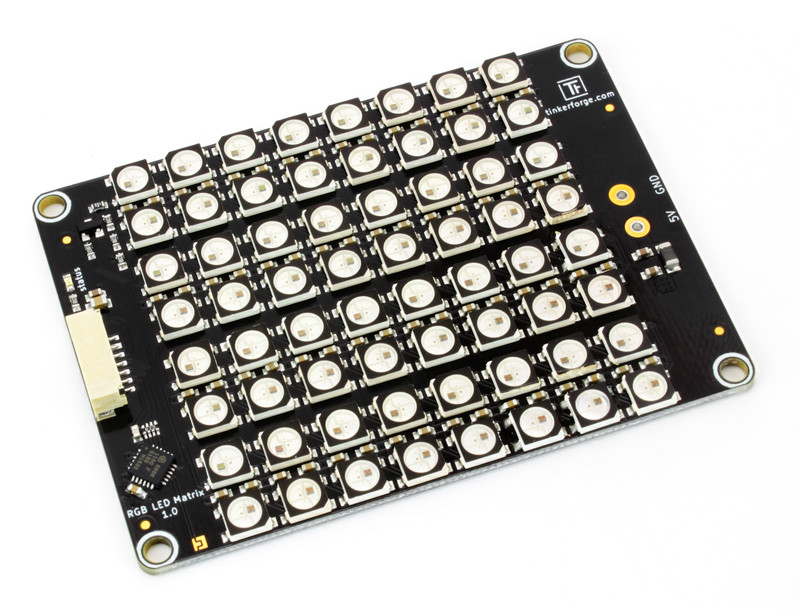
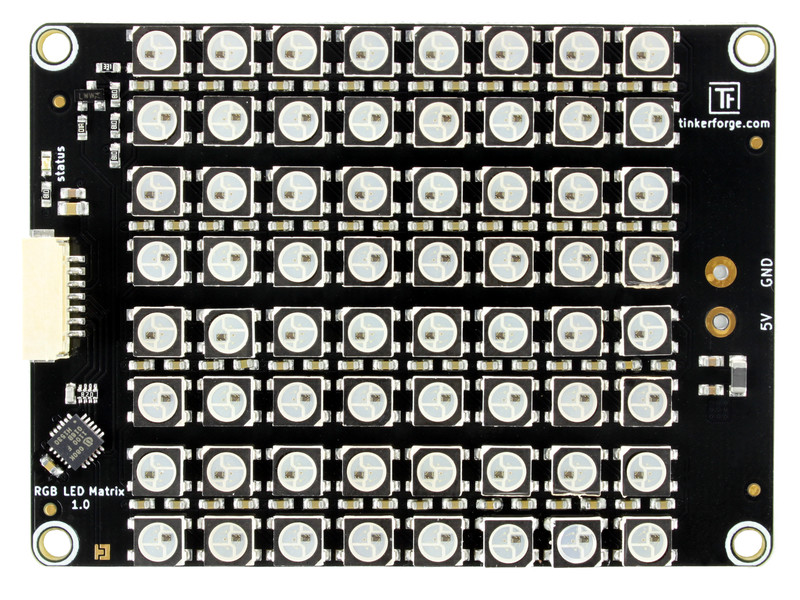
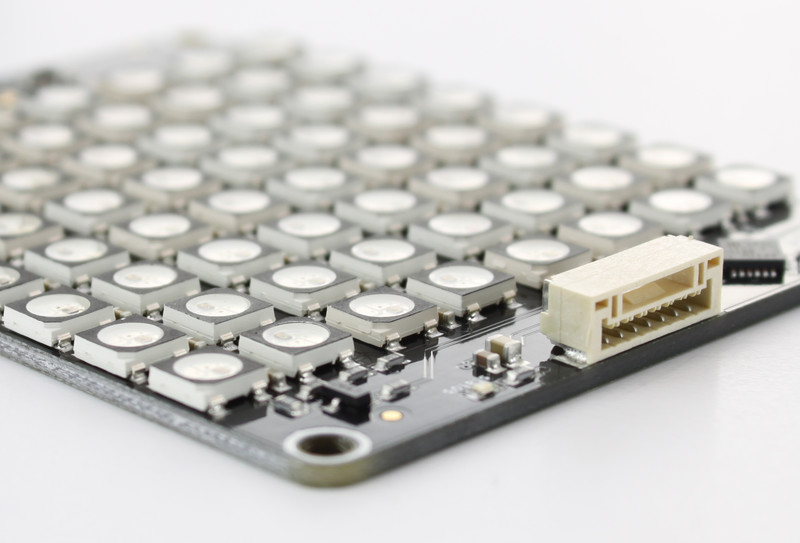
The RGB LED Matrix Bricklet is equipped with a 8x8 RGB LED matrix. It can extend Bricks.
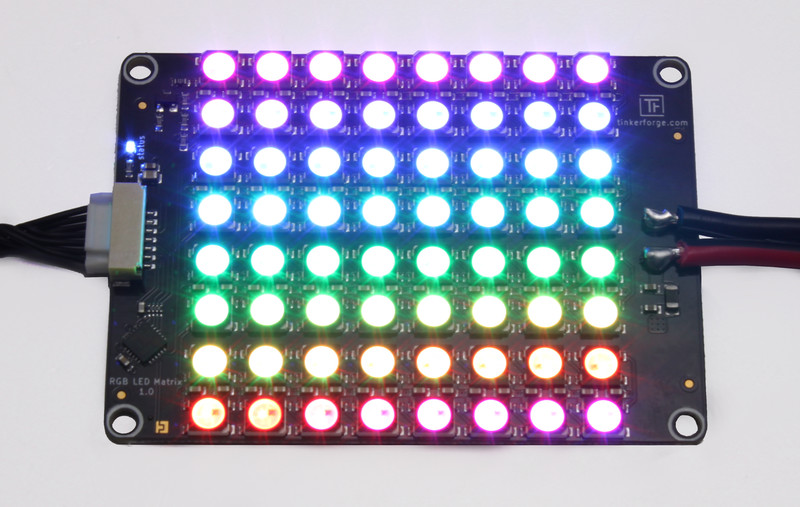
The red, green and blue value of each LED can be individually controlled with a resolution of 8 bit.
A frame rate of 120 Hz can be achieved. Frames can be send with a fixed frame rate to achieve smooth animations. They are double buffered to increase performance and avoid flicker.
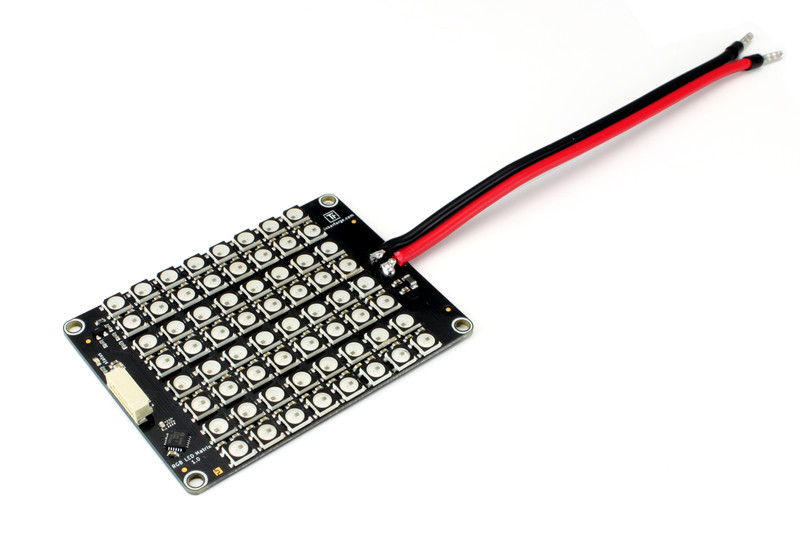
The Bricklet is equipped with a 15cm cable, which has to be connected to an external 5V power supply. The LEDs can not be powered through the Bricklet connector.
The RGB LED Matrix Bricklet has a 7 pole Bricklet connector and is connected to a
Brick with a 7p-10p Bricklet cable.
Technical Specifications
Property |
Value |
|---|---|
Current Consumption |
39mW (7.8mA at 5V) plus external 5V input for LEDs |
Matrix Size |
8x8 |
LED Resolution |
8 bit per channel |
Cable Length |
15cm |
Input Voltage |
5V |
Max Input Current |
Each RGB LED can pull up to 20mA per color, this results in 3.83A if all LEDs are set to white. |
Dimensions (W x D x H) |
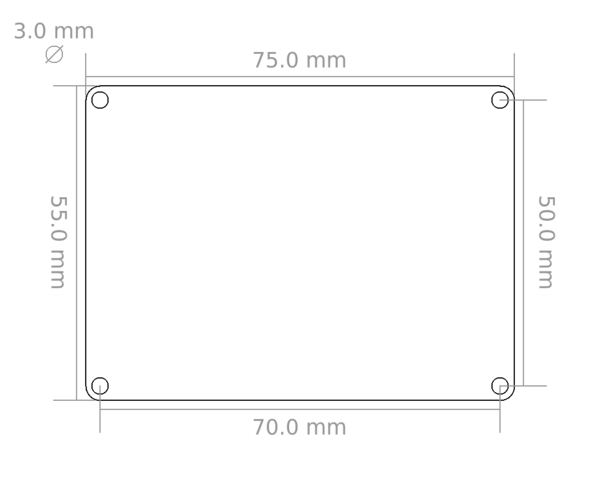
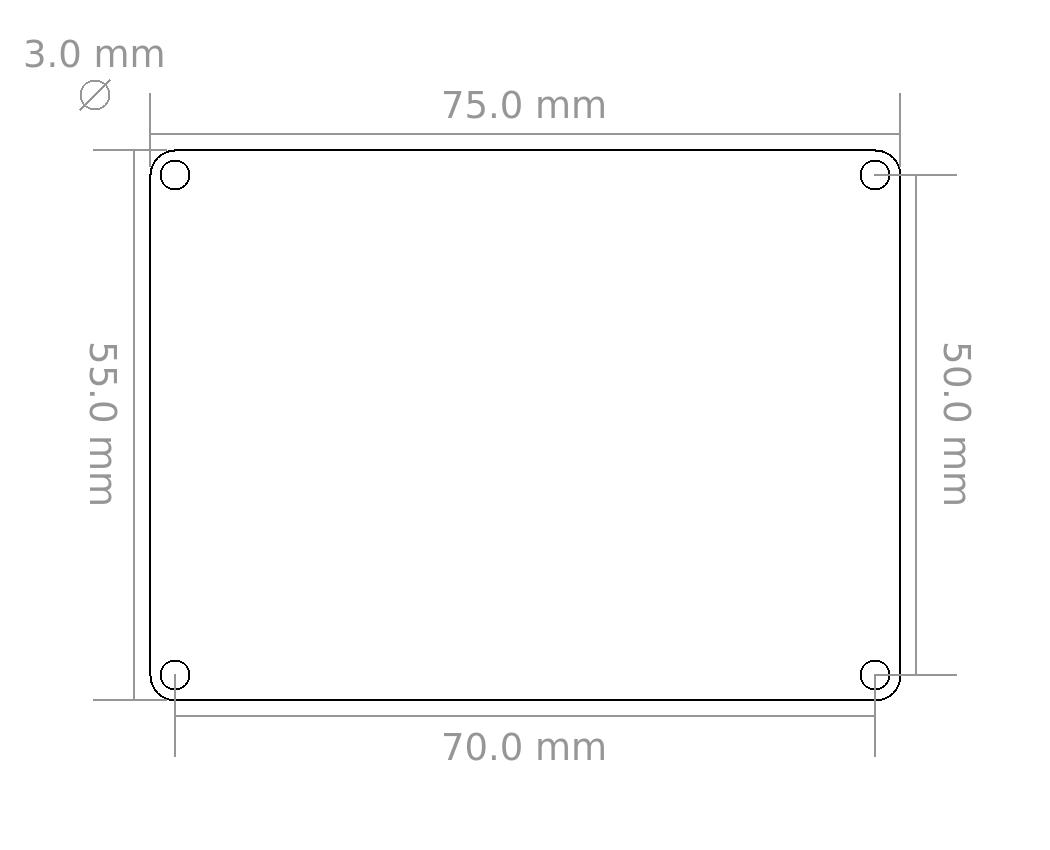
75 x 55 x 14mm (2.95 x 2.17 x 0.55") |
Weight |
23g |
Resources
Test your RGB LED Matrix Bricklet
To test a RGB LED Matrix Bricklet you need to have Brick Daemon and Brick Viewer installed. Brick Daemon acts as a proxy between the USB interface of the Bricks and the API bindings. Brick Viewer connects to Brick Daemon. It helps to figure out basic information about the connected Bricks and Bricklets and allows to test them.
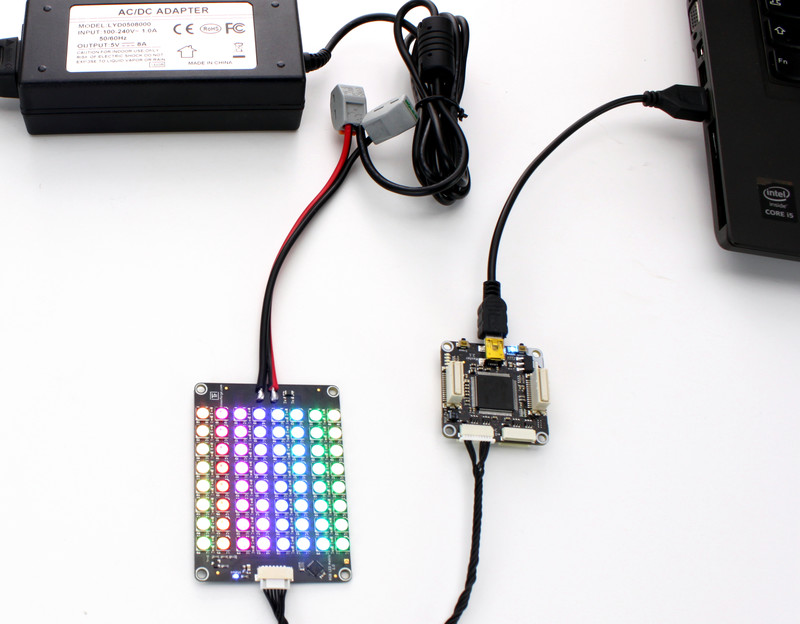
Connect the RGB LED Matrix Bricklet to a Brick with a Bricklet Cable and a 5V power supply to the RGB LED Matrix Bricklet terminal blocks.
If you connect the Brick to the PC over USB, you should see a new tab named "RGB LED Matrix Bricklet" in the Brick Viewer after a moment. Select this tab. If everything went as expected you can now control the RGB LED Matrix.
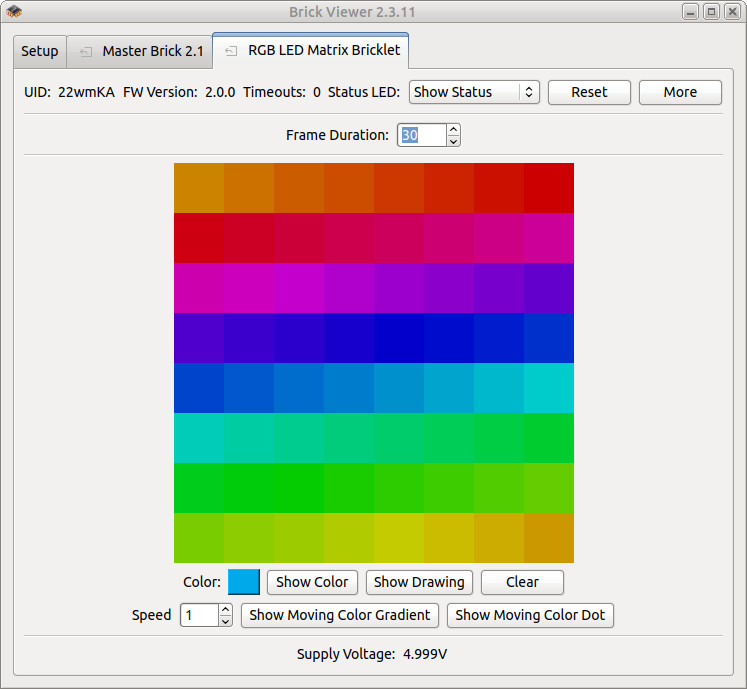
After this test you can go on with writing your own application. See the Programming Interface section for the API of the RGB LED Matrix Bricklet and examples in different programming languages.
Programming Interface
See Programming Interface for a detailed description.
Language |
API |
Examples |
Installation |
|---|---|---|---|
C/C++ |
|||
C/C++ for Microcontrollers |
|||
C# |
|||
Delphi/Lazarus |
|||
Go |
|||
Java |
|||
JavaScript |
|||
LabVIEW |
|||
Mathematica |
|||
MATLAB/Octave |
|||
MQTT |
|||
openHAB |
|||
Perl |
|||
PHP |
|||
Python |
|||
Ruby |
|||
Rust |
|||
Shell |
|||
Visual Basic .NET |
|||
TCP/IP |
|||
Modbus |